A Closer Look at the New Match Visualization
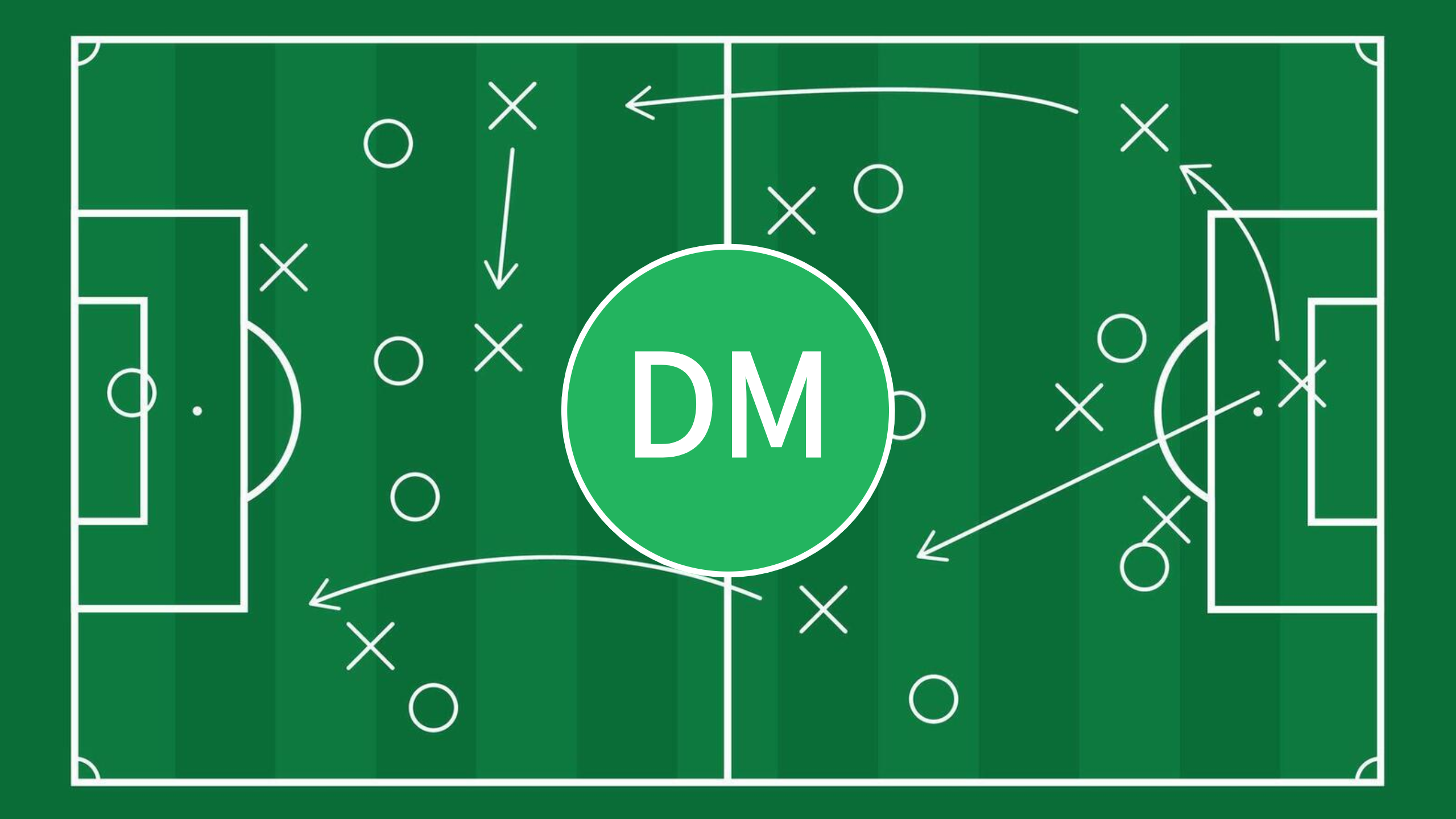
A scoreline can tell you who won, but it does not tell you how the match unfolded. Did the winning team hold a high line? Did a winger stretch the defense before a cross? Did a team spend long periods building through midfield, or did possession keep changing hands? The latest visual updates to Footy Simulator are designed to make those questions easier to explore. Rather than relying only on the final numbers, you can follow recorded player and ball positions on the pitch and see match events alongside them.
A Clearer View of the Pitch
The match pitch has been refreshed with a more recognizable football-field presentation. Pitch markings, penalty areas, the halfway line, and the centre circle give the movement on screen a useful frame of reference. The green background and subtle striping are visual touches, but they also make the field easier to read when players move across different areas. The pitch scales with the available space, so the same view can fit different screen widths without needing a separate version of the match.
Players are represented by markers in their team colors, with abbreviated names displayed next to them. This makes it easier to distinguish the two sides and follow individuals without filling the pitch with long labels. Instead of watching a single ball marker move in isolation, you can look at how the rest of the team is positioned around it: who is offering support, who is holding a deeper position, and where the opponents are clustered.
Following the Match Over Time
The visualization uses recorded match frames to show player and ball positions as the game progresses. Where the recording provides tick information, playback uses those timestamps to move through the sequence rather than treating every frame as an identical slice of the match. The display also supports older recordings without tick data by spreading their frames across the available match time. That compatibility matters because a saved match should still have a useful visual view even if it was created before the newer frame information was available.
Movement between ordinary frames is animated, helping viewers follow changes in position rather than only seeing a series of static diagrams. Some large jumps and restart situations are intentionally displayed without the same transition, because a substitution, stoppage, or reset can make a long interpolation misleading. This is still a representation of recorded simulation states, not a fully animated football broadcast. In particular, transitions around tackles and sudden changes of possession remain an area to improve.
More Control Over Playback
Playback controls let you start and pause the match, reset the view, skip toward the end, and choose a speed. The speed selector makes it easier to switch between watching a passage closely and moving quickly through quieter portions of a match. A match-time slider also lets you jump to a different point instead of waiting for the entire replay to reach it. Together, these controls turn the pitch from a passive display into a way to investigate the moments you care about.
This is especially helpful when you want to compare the shape of the same team at different stages. Pause near the beginning, note where the midfielders and defenders are positioned, then move forward and see how that shape changes. Playback speed options differ between the match display and the league match centre, but both give you a choice between slower viewing and faster review.
Events on the Pitch
A visual match becomes much easier to understand when its important moments are visible alongside the movement. The updated pitch includes feeds for key events and match actions. Goals, cards, missed penalties, and substitutions can appear as key moments, while the action feed includes passes, clearances, shots, carries, dribbles, tackles, interceptions, recoveries, and fouls. When the recorded data identifies a special pass, such as a through ball or cross, the feed can distinguish it from a generic pass.
These labels provide context for what you are seeing, rather than asking you to infer every change of possession from a moving marker. A colored badge can identify a player involved in a card event, and a highlighted ring around the ball draws attention to certain events and restarts. The event displays depend on what the match recording contains, so older or incomplete recordings may not show every detail available in a newly simulated match.
Set Pieces and Shot Moments
Restarts now have dedicated visual information in the recorded timeline. Corners, free kicks, goal kicks, throw-ins, kickoffs, penalties, and offside restarts can be highlighted when that information is present. The playback logic gives a restart a visible hold instead of letting it disappear immediately among very short frames. That makes it easier to recognize when open play has stopped and the teams are setting up for the next action.
Shot sequences also have separate start and end frames, allowing the ball's path toward the goal to be shown as a distinct moment. This helps a shot stand out from routine movement and gives the result more visual context. The timing is tuned for readability, so it should be understood as a replay presentation rather than a precise, real-time reconstruction of every second of the action.
The League Match Centre
League matches now have a dedicated match centre that brings the pitch, scoreboard, playback controls, and key moments together. The scoreboard keeps the teams and current score visible while the match unfolds. Alongside the pitch, a moments panel provides a compact way to find significant events; selecting a moment moves the view to the relevant match minute. The layout also adapts to narrower screens by stacking its main areas instead of forcing everything into a wide two-column view.
The match centre is particularly useful after a league fixture has been simulated. You can revisit the match, move to a goal or card, and use the surrounding player positions to understand the situation. The timeline and action feed complement the scoreboard: one tells you the result, while the others help you follow the events that led there. The goal is not to replace the statistics, but to give them a visual story.
What to Look for Next
Try watching the defensive line as possession changes, following a forward's position before a through ball, or checking how many teammates are available when the ball moves wide. Then compare what you saw with the action feed and the match statistics. Those details can make a simulation feel less like a collection of numbers and more like a match with its own rhythm. There is still room to improve the continuity of movement and the detail around individual actions, but the refreshed visualization gives Footy Simulator a clearer foundation for watching and understanding each game.